May 2026
3D rendering for websites has moved from a novelty to a genuine competitive advantage — and in May 2026, the gap between brands using it and those ignoring it is only widening.
Here’s a quick look at the top tools to compare, so you can find the right fit fast:
| Tool | Best For | Code Required | Cost |
|---|---|---|---|
| Three.js | Custom interactive experiences | Yes | Free |
| Babylon.js | Games, configurators, complex scenes | Yes | Free |
| Spline | No-code 3D for web & Webflow | No | Free / Paid |
| Light Tracer Render | Photorealistic product rendering | Minimal | From $349/mo |
| Wonderland Engine | High-performance XR & configurators | Yes | Free / Paid |
| Sketchfab | Embedding ready-made 3D models | No | Free / Paid |
| Blender + export | Creating 3D assets for the web | No (design) | Free |
The payoff is real. One car manufacturer replaced expensive server-side pixel streaming with a browser-based 3D configurator — and hit a 73%+ user engagement rate, 6.5-minute average sessions, and zero per-user server costs.
That’s not a flashy demo. That’s a business result.
Yet most business websites still rely on flat images and static layouts — the same format that’s been around since the early 2000s. Meanwhile, customers expect more. They want to rotate a product, explore a space, or configure an option before they buy.
The good news: you don’t need a Hollywood VFX budget or a team of engineers. The right tool depends on your use case, your budget, and how much technical lift you’re willing to take on. This guide breaks all of that down.
I’m Blake George, founder of BMG MEDIA, and over more than a decade building custom websites for brands across real estate, manufacturing, healthcare, and retail, I’ve watched 3D rendering for websites evolve from a gimmick into one of the most powerful conversion tools available. Let’s walk through exactly which tools deserve your attention — and which ones are the right fit for your goals.
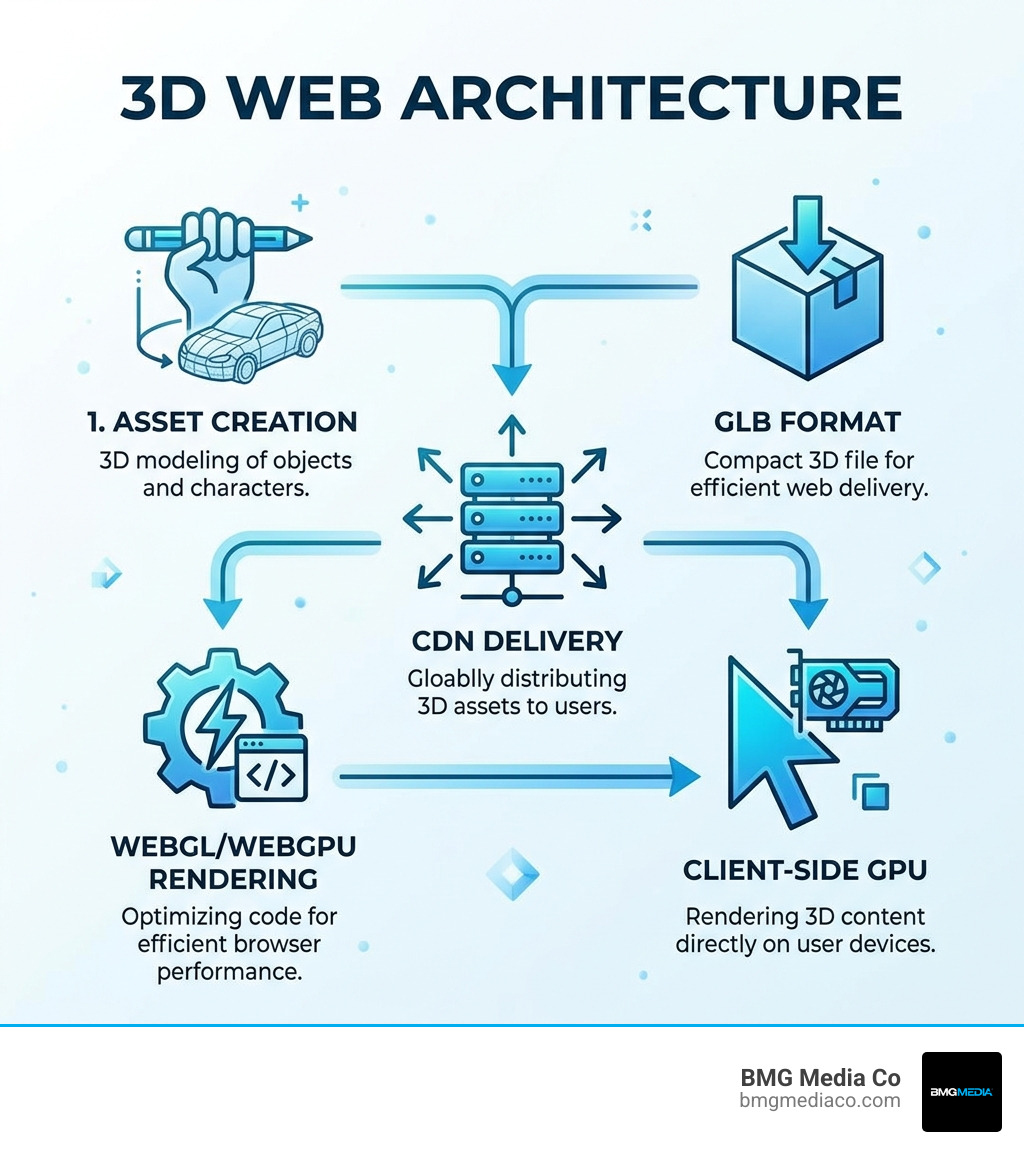
The shift toward 3D rendering for websites isn’t just about “looking cool.” It’s about solving the biggest problem in digital marketing: the gap between seeing a product and understanding it. When a user can interact with a 3D model, they aren’t just looking at a picture; they are experiencing the product.
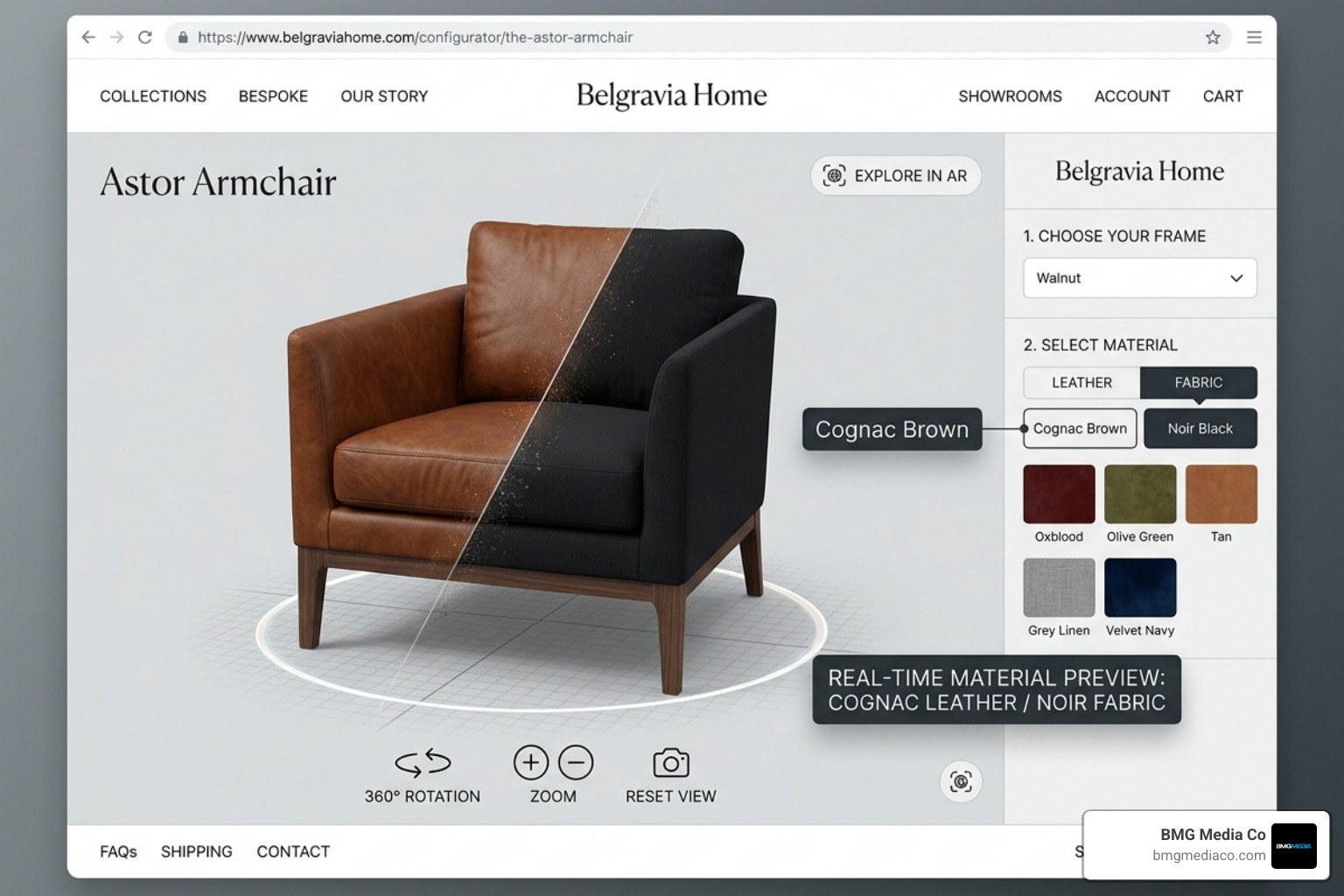
Statistics from May 2026 show that interactive 3D content delivers a 73%+ user engagement rate. Compare that to the standard bounce rates of static landing pages, and the choice becomes clear. Furthermore, client-side 3D configurators lead to an average session duration of 6.5 minutes. Why? Because users enjoy the agency of exploration. They can zoom into the stitching of a leather chair or see how a watch face reflects light.
From an SEO perspective, this is a goldmine. Dwell time (how long a user stays on your page) is a massive ranking signal. By integrating 3D Renderings, you naturally lower your bounce rate and signal to search engines that your content is highly valuable.
At BMG Media Co, we specialize in Product Rendering Services for Photorealistic Results, ensuring that these 3D assets don’t just function—they look indistinguishable from high-end photography. With over 50% of 3D configurator traffic now coming from mobile devices, the technology has reached a point where it is fast, responsive, and accessible to everyone with a smartphone.
Choosing the right tool is the difference between a site that lags and one that soars. The landscape is divided into three main categories: code-heavy libraries for developers, no-code builders for designers, and specialized engines for high-performance rendering.
| Feature | Three.js | Babylon.js | Spline |
|---|---|---|---|
| Primary Use | General Interactive Web | Gaming & Complex Physics | Designer-friendly UI/UX |
| Rendering API | WebGL / WebGPU | WebGL 2 / WebGPU | WebGL |
| Learning Curve | Steep (Javascript) | Moderate to Steep | Low (Visual Editor) |
| Collaboration | Git-based | Git-based | Real-time (Google Docs style) |
For those looking for a design-first approach, Spline – 3D Design tool in the browser with real-time collaboration has become the industry favorite. It allows teams to work together in the browser, much like Figma, to create interactive 3D scenes that can be exported directly to Webflow, React, or standard HTML.
If you want total control, libraries are the way to go.
For businesses that want these tools implemented without the headache, our team at BMG Media provides expert 3D Rendering for Websites by BMG Media, handling everything from the initial model to the final web integration.
Not every project needs a full gaming engine. Here is how we recommend picking your stack:
Regardless of the tool, the goal is always a BMG Media Web Design Services experience: fully custom, high-performance, and built to convert.
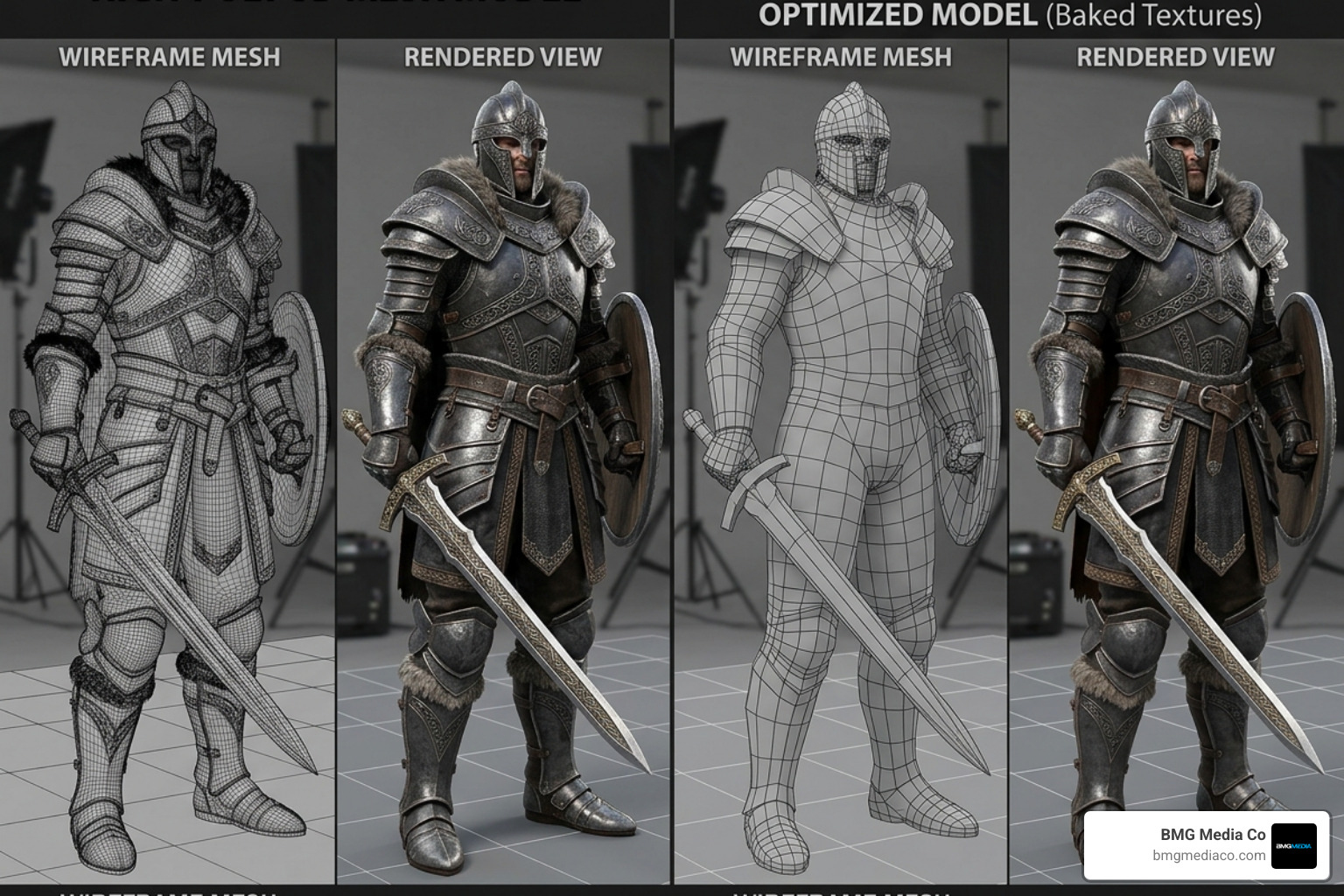
The biggest fear with 3D rendering for websites is speed. A beautiful 3D model is useless if it takes thirty seconds to load. In 2026, we follow a strict set of optimization rules to ensure smooth performance across all devices.
At BMG Media, we prioritize High-Performance Web Development by utilizing Global CDNs to host 3D assets, ensuring that your 3D scene loads instantly whether your customer is in Detroit or Dubai.
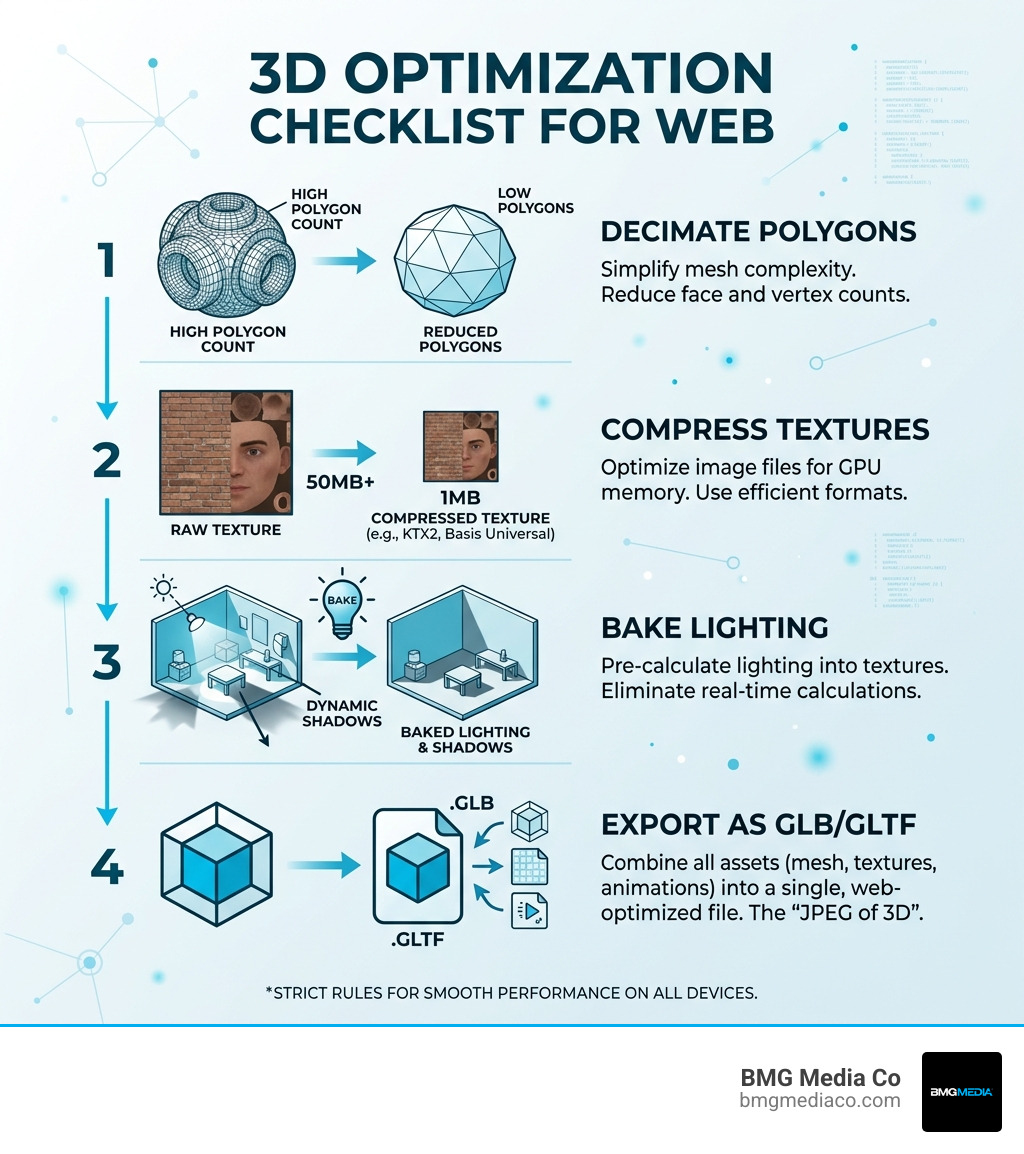
The industry standard is .GLB or .GLTF. These formats are specifically designed for the web. .GLB is usually preferred because it is a single binary file that contains everything—the 3D shape, the colors (materials), and the animations—making it very easy to manage and host.
Not if done correctly. By using optimized models (under 10MB), compressed textures, and efficient libraries like Three.js, the impact on load time is minimal. In fact, because 3D models can replace dozens of high-res static images or heavy video files, they can sometimes make a page feel faster and more interactive.
Not anymore. While custom high-end experiences still require JavaScript, tools like Spline or the 3D & AR Viewer allow you to embed 3D models using a simple iframe or a short snippet of code, much like embedding a YouTube video. This makes it accessible for WordPress, Webflow, and Shopify users.
The web is evolving into a three-dimensional space. Whether you are selling luxury watches, showcasing architectural designs, or building the next great SaaS platform, 3D rendering for websites provides a level of engagement that static images simply cannot match.
At BMG Media Co, we don’t believe in templates. We build fully custom, high-performance websites from our home base in Birmingham, Michigan. With over 1,000 sites completed, we’ve mastered the art of blending cutting-edge 3D technology with award-winning design and rock-solid SEO.
If you’re ready to move beyond the flat web and give your customers a truly immersive experience, let’s talk about how we can make your brand “dimensionally gifted.”
Explore our work and start your journey into Websites 3.0 at https://bmgmediaco.com/web-design-services/3d-renderings/.
