June 2026

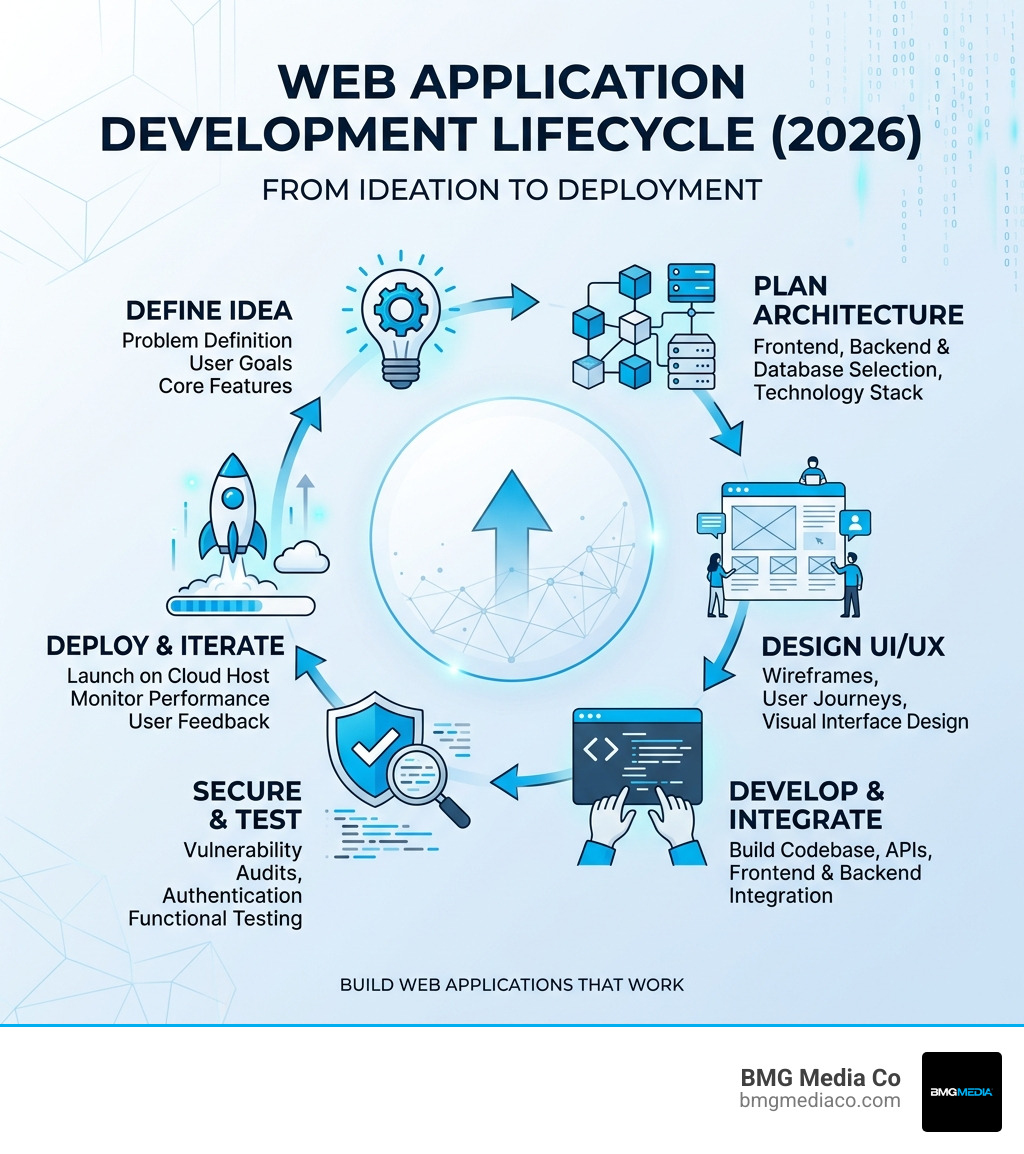
To build web application projects that actually work, follow these core steps:
Most business owners assume a web application is just a fancier website. It is not.
A web application is interactive software — it stores data, responds to user input, and delivers dynamic experiences through a browser. Think Google Docs, Trello, or a custom patient portal for a healthcare practice. These are not static pages. They are living tools.
And in April 2026, the gap between a basic website and a functional web app has never been more important — or easier to bridge.
The challenge? Most guides either go too deep into code or stay too vague to act on. This one does neither.
I’m Blake George, founder of BMG MEDIA Co., and over the past 15+ years I’ve led the development of more than 1,000 custom digital platforms — including full-stack web applications for industries ranging from real estate to healthcare. I know how to build web application products that perform, convert, and scale. Let’s walk through exactly how it’s done.
Build web application glossary:
Before you start your project, we need to clear up the most common point of confusion. If you’re looking to build web application platforms, you aren’t just building a digital brochure.
A website is primarily informational. It’s a “read-only” experience where users consume content. A web application, however, is “read-write.” It allows users to manipulate data, create accounts, and trigger complex workflows. When you use a tool like Figma or Canva, you aren’t just looking at a page; you are using a tool that lives in your browser.
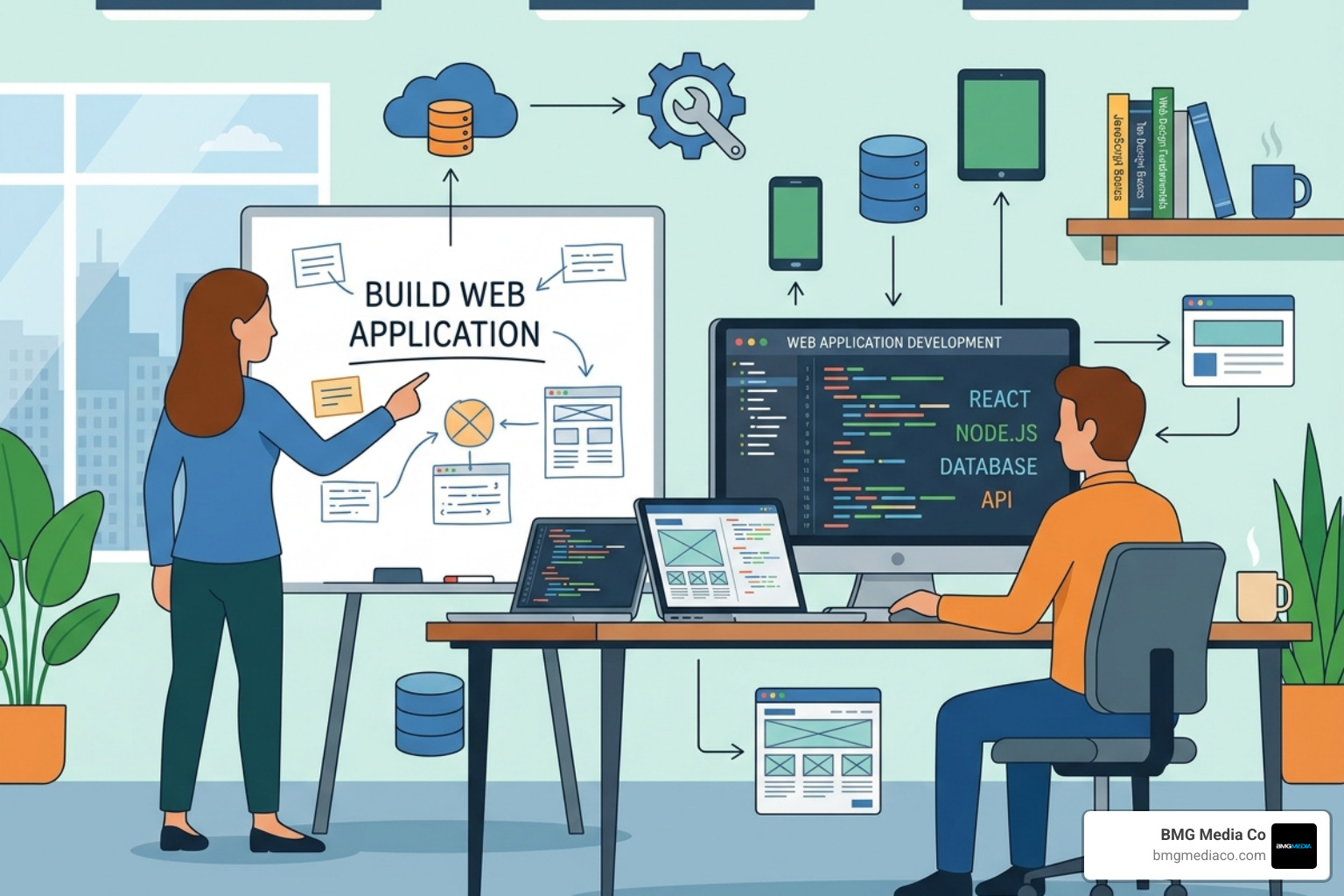
The beauty of the 2026 landscape is cloud integration. Modern web apps are no longer tethered to a single server in a closet. They leverage global Content Delivery Networks (CDNs) and serverless architectures to be fast, regardless of where your user is located.
| Feature | Static Website | Interactive Web Application |
|---|---|---|
| Primary Goal | Deliver information | Perform tasks / Manipulate data |
| Interaction | Low (clicking links, filling a contact form) | High (CRUD operations, real-time updates) |
| Data Storage | Minimal to none | Extensive (Databases like PostgreSQL, DynamoDB) |
| Complexity | Low to Medium | High |
| Authentication | Usually not required | Essential for user-specific data |
To dive deeper into the mechanics of this transition, check out this How to Build a Web Application: A Step-by-Step Guide.
You don’t need a PhD in Computer Science to start, but you do need a foundational understanding of the “Big Three” pillars of development.
If you’re just getting started, don’t let the technical wall stop you. You can Stop Procrastinating and Start Building a Web App with JavaScript today to get your feet wet.
The year 2026 has brought a massive shift in how we approach the “0 to 1” phase. We no longer spend six months in a dark room coding before showing the world. We move in parallel.
The number one reason startups fail isn’t bad code—it’s a lack of product-market fit. Before you build web application features, validate the problem. Use tools like Google Trends or SEO platforms to see if people are actually searching for a solution to the problem you’re solving.
Your first version should not be a Swiss Army knife. It should be a scalpel—precise and focused on one core task.
For a more granular look at the roadmap, see How to Build a Web Application in 12 Simple Steps (2026).
Design is not just about making things “pretty.” It’s about reducing friction. In our Michigan studio, we always start with wireframing. A wireframe is a blueprint; it shows where the buttons go and how the user moves from Page A to Page B.
We use tools like Figma to create interactive prototypes. This allows you to “click through” your app before a single line of backend code is written. It’s much cheaper to move a button in Figma than it is to rewrite a database schema later.
When you invest in Custom Software, you are ensuring that the user journey is tailored specifically to your business goals, rather than trying to fit your business into a pre-made template.
Choosing a tech stack is like choosing the engine for a car. You wouldn’t put a lawnmower engine in a Ferrari.
If you’re feeling overwhelmed by the options, take a breath and Stop Stressing and Pick a Web App Development Framework Already. The “best” stack is often the one your team knows best.
The way we build web application projects has diverged into three distinct paths, and the right choice depends on your budget, timeline, and required complexity.
For a hands-on look at modern cloud development, you can even Build a Basic Web Application using AWS Amplify in about 35 minutes using their free tier.
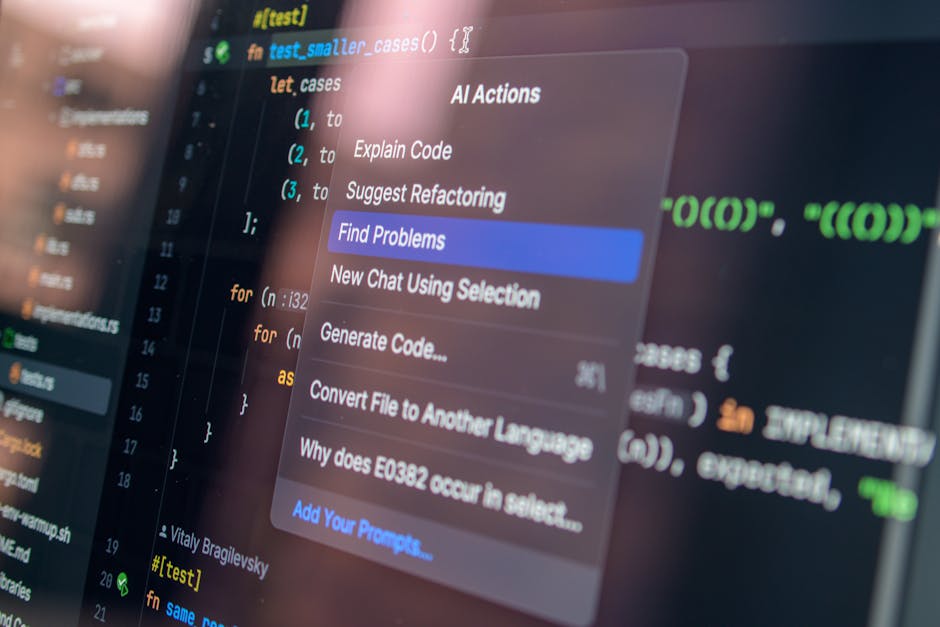
By April 2026, AI has moved from being a “chatbot” to being a “co-pilot.” AI-First development means we start with machine-readable specifications. We feed the requirements into AI agents that generate the initial API stubs and frontend components in seconds.
This doesn’t replace engineers; it upgrades them. Our senior architects now spend less time typing and more time auditing code for security and performance. This shift has compressed the typical MVP timeline from 6 months down to 8–12 weeks.
You can build web application features all day, but if it isn’t secure, it isn’t a product.
Choosing the right partner for this phase is critical. For help, read The Ultimate Guide to Picking a Web App Partner.
Launch day is not the finish line—it’s the starting line.
The cost varies wildly based on complexity. With an AI-First approach, a production-ready MVP typically starts between $15,000 and $40,000. A complex enterprise platform with custom integrations can exceed $120,000. However, because AI has automated so much of the boilerplate, these costs are 40-60% lower than they were just a few years ago.
Yes, you can get very close to zero cost for your first few months. AWS Amplify, Google Cloud, and platforms like Jotform offer generous free tiers. Jotform, for example, allows you to build a basic app with up to 5 forms for free. Just keep in mind that as your user base grows, those costs will scale with you.
A standard web app requires an internet connection and runs in a browser. A PWA uses “service workers” to allow offline access and can be “installed” on a user’s home screen just like a native app from the App Store. PWAs are a fantastic, cost-effective way to get 90% of a native app’s feel without building separate versions for iOS and Android.
The journey to build web application projects that move the needle for your business is a marathon, not a sprint. From the initial spark of an idea to the first time a user successfully completes a task on your platform, every step requires a balance of technical skill and strategic thinking.
In 2026, the tools are more powerful than ever, but the fundamentals remain the same: solve a real problem, design for the human on the other side of the screen, and never stop iterating.
At BMG Media Co., we don’t believe in templates or “good enough.” Based right here in Birmingham, Michigan, we specialize in award-winning, fully custom development that helps businesses scale. Whether you’re a startup looking for your first MVP or an established enterprise needing to modernize your stack, we’re here to help you navigate the future of the web.
Ready to turn your vision into a reality? Explore our Custom Web Design and Development Services and let’s build something that actually works.
